VU + Loudness Meter
Loudness Glass
The felt and the measured, behind one pane of glass.
- A real analog VU needle that moves the way hardware does
- Modern loudness numbers for streaming delivery, side by side
- Drop a bounced file onto the window to check it instantly
- A quiet interface that stays out of the way while you work
An honest needle
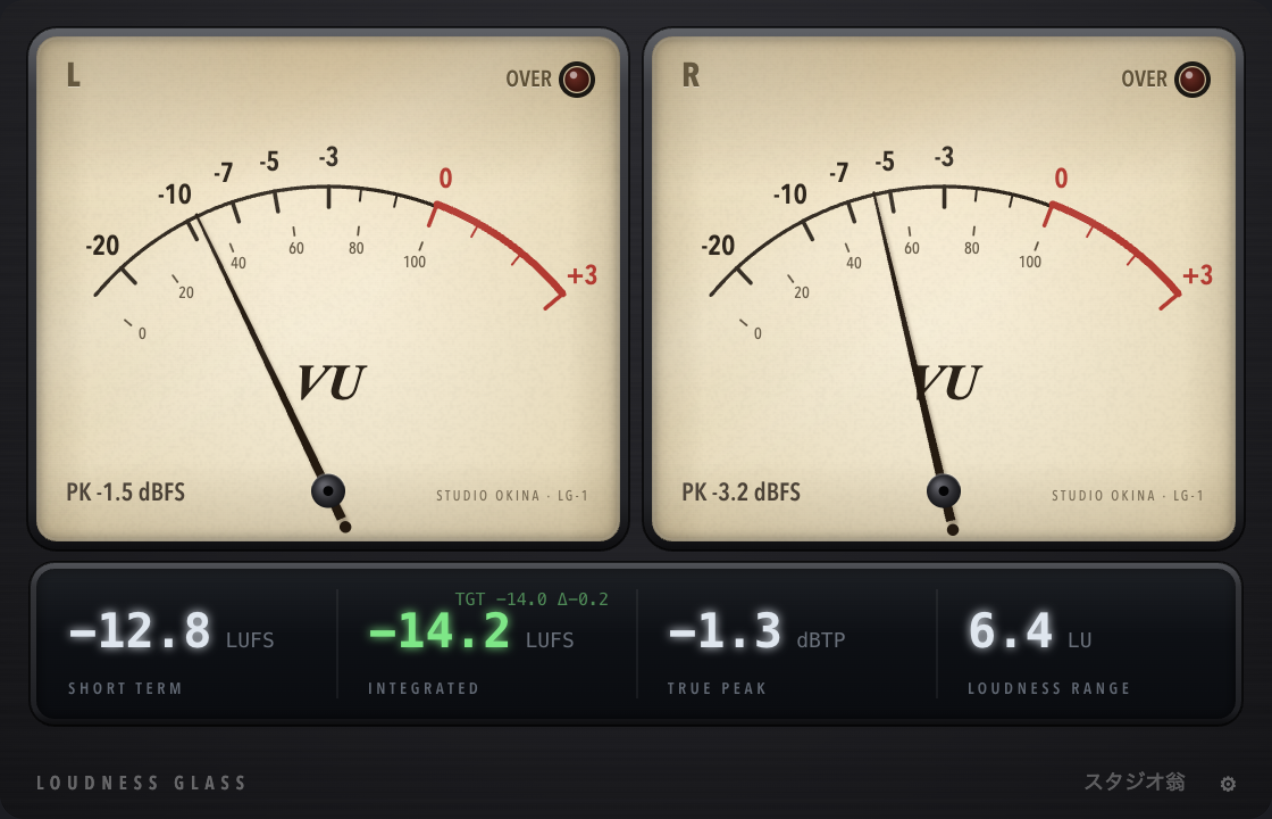
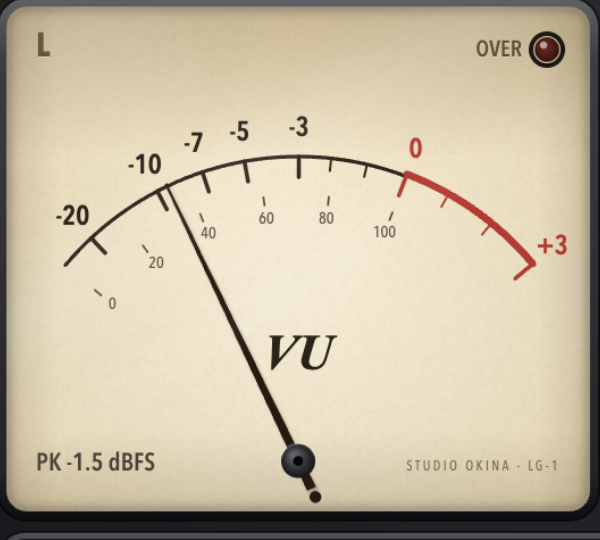
Loudness Glass moves like the hardware meters mixers have trusted for decades. The needle swings up, overshoots a hair, and settles, so you can feel level with your eyes instead of chasing peaks. Set the reference once, and the needle tells you the rest.
The numbers that matter
Under the glass, the loudness numbers used by every streaming service sit in a single row: short term, integrated, true peak and range. Pick a target, and the readout shows how far you are from it, turning green the moment you land.

Drop a file, get an answer
Drag a bounced file onto the window and its overall loudness appears in seconds. Checking a master against a reference no longer needs a second app, a web upload, or a spreadsheet.
“The round trip of bouncing a file and checking LUFS in another app is simply gone. And yes, watching the needle really does calm your hands.”
Ryo Saeki / Mixing engineer (sample)
System requirements
- Formats
- VST3 · AU (macOS), VST3 (Windows)
- System
- macOS (Apple Silicon + Intel) · Windows (x64)
- License
- Free, pay what you want
- Delivery
- Direct download
Download Loudness Glass.
Version 1.0.0 for macOS and Windows. Free, no account required.